How to Get Your Weighbridge Workflow Ready for DWTS at Your Waste Site
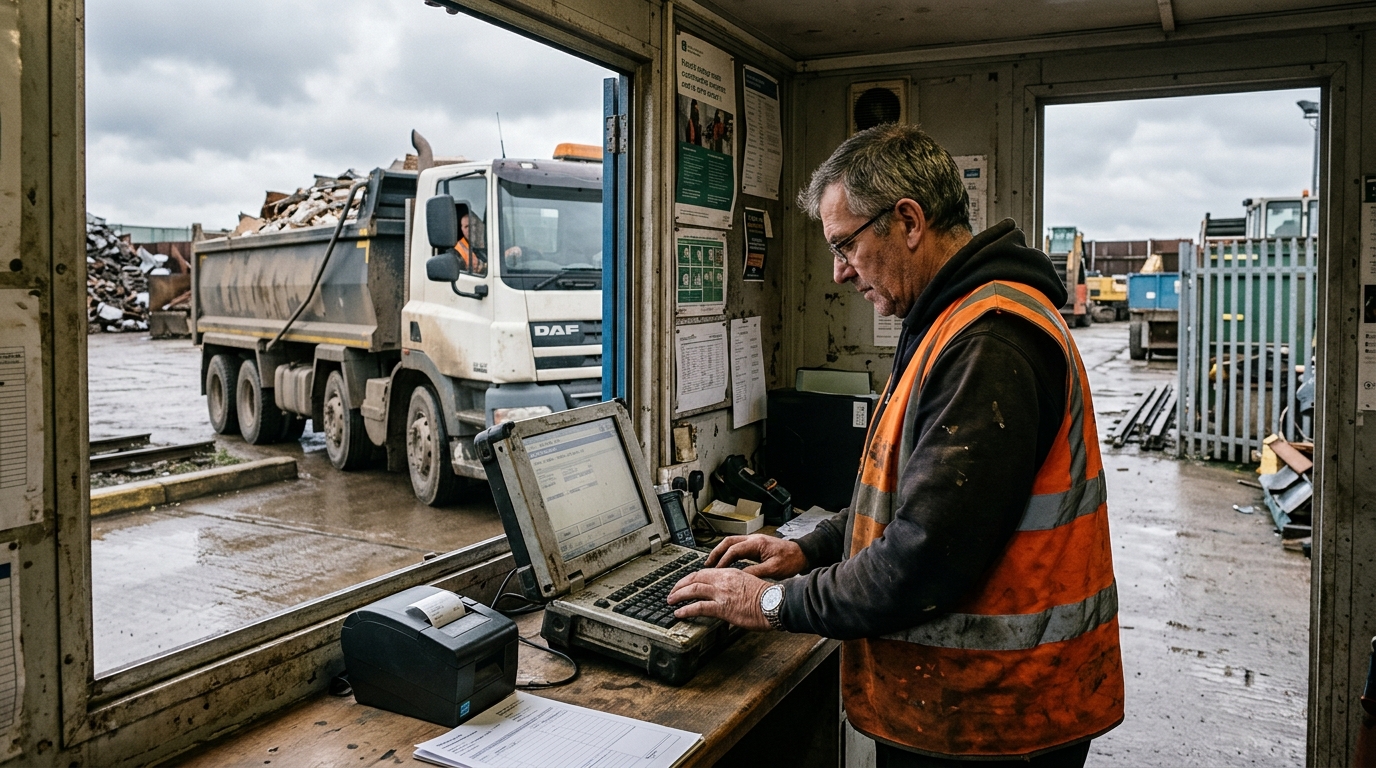
Digital Waste Tracking becomes mandatory for receiving site operators in England and Wales on 1 October 2026, and your weighbridge is where it lands. Every load you take in has to end up as a digital receipt, and the gate is where the details get captured. Waste crime costs the UK economy an estimated £1bn each year (Environment Agency, 2026), and DWTS is the government's answer to it, so the record you make at the weighbridge is now part of a national audit trail.
The good news for a busy yard: less has to change than the rumour mill suggests. You do not have to weigh every load, your weighbridge does not have to talk directly to a government computer, and a signal drop at the cabin does not stop you taking waste in. This guide walks the gate-to-record workflow the way it actually happens, step by step, so Steve on the weighbridge knows exactly what to capture and by when.
Key takeaways
- DWTS is mandatory for permitted receiving sites in England and Wales from 1 October 2026, and in Scotland and Northern Ireland from January 2027 (gov.uk, 2026).
- You do not have to weigh every load. The record must state the weight, the unit, and whether the figure is estimated or actual (legislation.gov.uk, 2026).
- Your weighbridge does not have to connect to the government system. You can report via an API or by uploading a spreadsheet (gov.uk, 2026).
- You do not file at the gate. You have until the end of the second working day after receipt to submit each record (legislation.gov.uk, 2026).
- If you are licensed or permitted to receive controlled waste, you must enter details of every load you receive (gov.uk, 2026).
Do you have to weigh every load under DWTS?
No. DWTS does not require you to put every load across the weighbridge. What it requires is that each receipt records the total weight of the waste, the unit of measurement used, and a flag saying whether that weight is estimated or actual (legislation.gov.uk, 2026). An estimate is a valid entry, provided you mark it as an estimate.
That distinction matters at the gate. If a load goes over the weighbridge, you use the actual weighed figure and flag it "actual". If it does not, because it is a small drop-off, a mixed load you are pricing by volume, or the plate is tied up, you record a sensible estimate and flag it "estimated".
| Situation at the gate | What you record | Flag |
|---|---|---|
| Load crosses the weighbridge | The weighed net figure, in tonnes | Actual |
| No weighing (small drop-off, priced by volume, plate busy) | A sensible estimate, in tonnes | Estimated |
Nothing in the rules forces a physical weighing that you would not otherwise do. So the honest answer to the fear doing the rounds on the forums is this: DWTS changes what you record about a weight, not whether you weigh. Your existing weighbridge routine of gross, tare and net on the ticket still does the job. You are adding one field, the estimated-or-actual flag, not a new obligation to weigh everything that arrives.
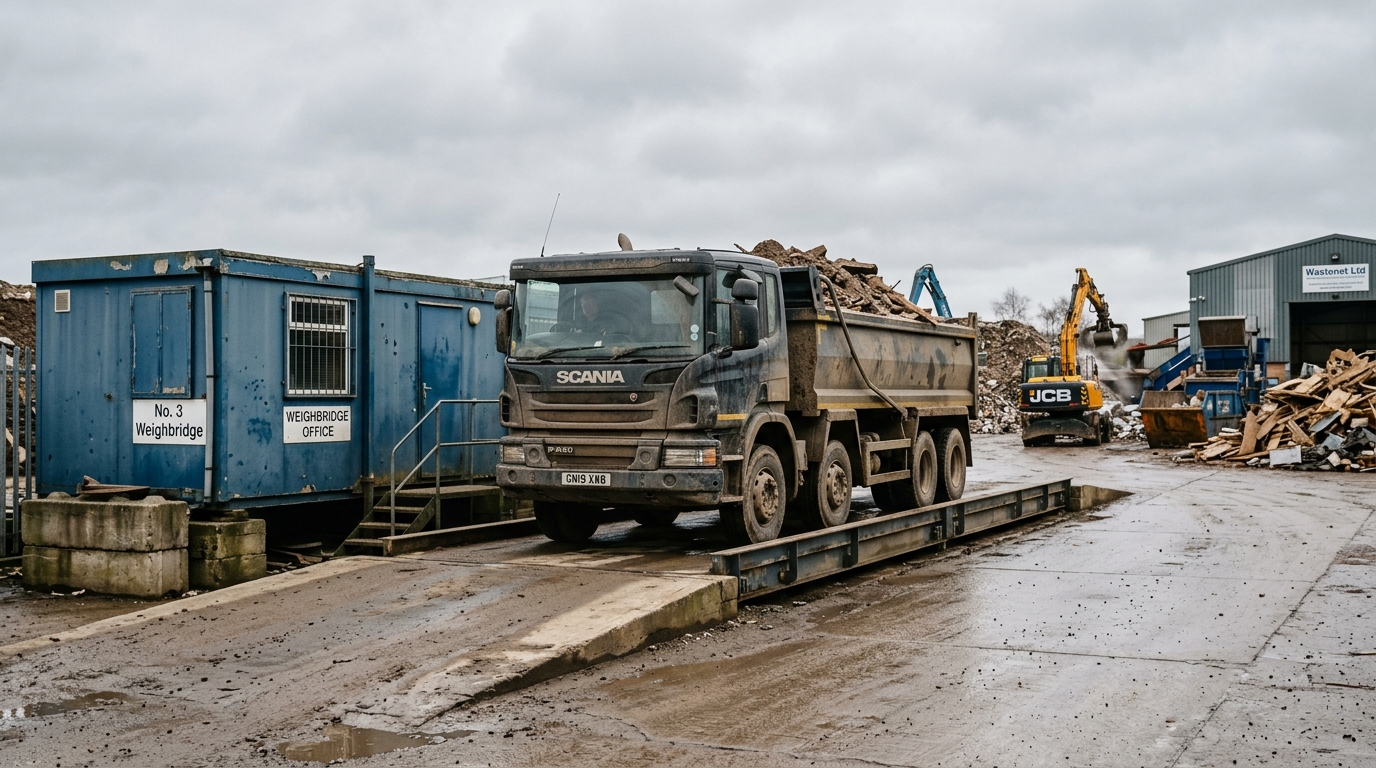
Does your weighbridge have to connect to the government system?
No. There is no requirement for your weighbridge to integrate directly with Defra's system. gov.uk sets out two ways to report your receipt of waste: using an application programming interface (API), or completing and uploading a spreadsheet, and you can use a combination of the two (gov.uk, 2026).
In practice that means three routes are open to you. Waste software can send the data for you via the report receipt of waste API (gov.uk, 2026). You can key the details into the government's online service by hand. Or you can build up a spreadsheet from your weighbridge tickets and upload it. The weighbridge itself is not what connects; the reporting method is.
That is why a "digital handshake" between your plate and a government server is a myth. You can key the weight straight from the printed weighbridge ticket into whichever reporting route you choose. Learn what the service is before you buy anything by reading our explainer on what Digital Waste Tracking is.
What has to be captured for each load you receive?
If you are licensed or permitted to receive controlled waste, you must enter details of every load you receive using the report receipt of waste service (gov.uk, 2026). The detailed data requirements sit in Schedule 1 of the Digital Waste Tracking (England) Regulations 2026 and the receipt of waste template (gov.uk, 2026).
For your weighbridge routine, the fields that matter most are:
- The movement and carrier details for the load, so the receipt ties back to who brought it and under what movement.
- The waste classification, using the correct EWC code, plus recovery or disposal (R/D) codes, and any hazardous or POPs data where it applies.
- The weight, with its unit and the estimated-or-actual flag (legislation.gov.uk, 2026).
Most of this is what a good weighbridge operator already writes on a ticket. The step that trips sites up is the EWC code, so make sure whoever books the load in knows how to code it. If that is a weak spot, our guide to what an EWC code is is the place to start.
What happens if you lose signal at the weighbridge cabin?
You keep taking waste in. Because DWTS reporting is not done at the moment of receipt, a flaky connection in the portacabin does not stop you accepting a load or holding up the queue. You capture the details on the ticket as you always have, and the digital record follows later.
This is the single biggest relief for operators whose cabins have patchy wifi. The filing is decoupled from the gate. As long as your ticketing captures what Schedule 1 needs, the load can be weighed, tipped and gone before the receipt is ever submitted. The deadline gives you a working buffer, which is the subject of the next question.
How fast do you have to file each receipt?
You have until the end of the second working day after the day you receive the waste. The Digital Waste Tracking (England) Regulations 2026 set the deadline as "the end of the second working day after the day on which the load of controlled waste or hazardous controlled waste is received" (legislation.gov.uk, 2026).
gov.uk gives the plain-English version and a worked example: you must submit records within 2 working days, excluding weekends and bank holidays, starting on the day after you receive the waste, so a load received at 9am on Monday must be submitted, with its unique reference number, by 11:59pm on Wednesday (gov.uk, 2026).
The takeaway for the yard: build a daily filing habit, not a real-time one. Clear yesterday's tickets each morning before the plate gets busy, and you will never be near the deadline. If you run a batch each day, the buffer absorbs the odd busy afternoon or a system that is down for an hour.
Does DWTS mean your weighbridge has to be calibrated for trade?
Not because of DWTS. The requirement for a legal-for-trade weighbridge comes from weights and measures law, not from waste tracking. Weighing equipment used in business must be passed as fit for use for trade by a Weights and Measures Inspector or an approved verifier (gov.uk), and that duty applies where the weight sets a price, under the Weights and Measures Act 1985 and the Non-automatic Weighing Instruments Regulations 2016.
Keep the two regimes separate in your head. If you charge a gate fee by weight, you already need an approved weighbridge, and you needed one long before DWTS existed. DWTS does not add a calibration requirement and does not care whether your figure came from a trade-approved instrument, only that you record the weight, its unit, and whether it is estimated or actual (legislation.gov.uk, 2026).
What paper still applies at the gate?
DWTS does not sweep the paper away on day one. The duty-of-care paperwork that travels with a load, the waste transfer note or the hazardous waste consignment note, still applies alongside digital reporting during Phase 1. We cover exactly what stays in do you still need paper waste transfer notes.
Practically, that means your gate keeps two jobs for now: complete the paperwork that must accompany the load, and capture what you need to file the digital receipt within the two-day window. Treat the DWTS record as an addition to your existing controls, not a replacement, until the guidance says otherwise.
A step-by-step gate workflow to be DWTS-ready
Here is the gate-to-record routine to have running before 1 October:
- Book the load in. Match the arriving vehicle to its movement and carrier details, and confirm the carrier is registered before you tip.
- Weigh or estimate. Take gross, tare and net as usual if it goes over the plate. If it does not, record a sensible estimate. Either way, capture the weight, the unit, and the estimated-or-actual flag (legislation.gov.uk, 2026).
- Classify the waste. Apply the correct EWC code and any hazardous, POPs or R/D data at the point of receipt, while the load is in front of you.
- Complete the paper that still applies. Finish the transfer note or consignment note that travels with the load.
- File the digital receipt by the end of the second working day, via software, the online service, or a spreadsheet upload (gov.uk, 2026).
If you want a broader readiness check across your whole site, work through our DWTS readiness checklist alongside this gate routine.
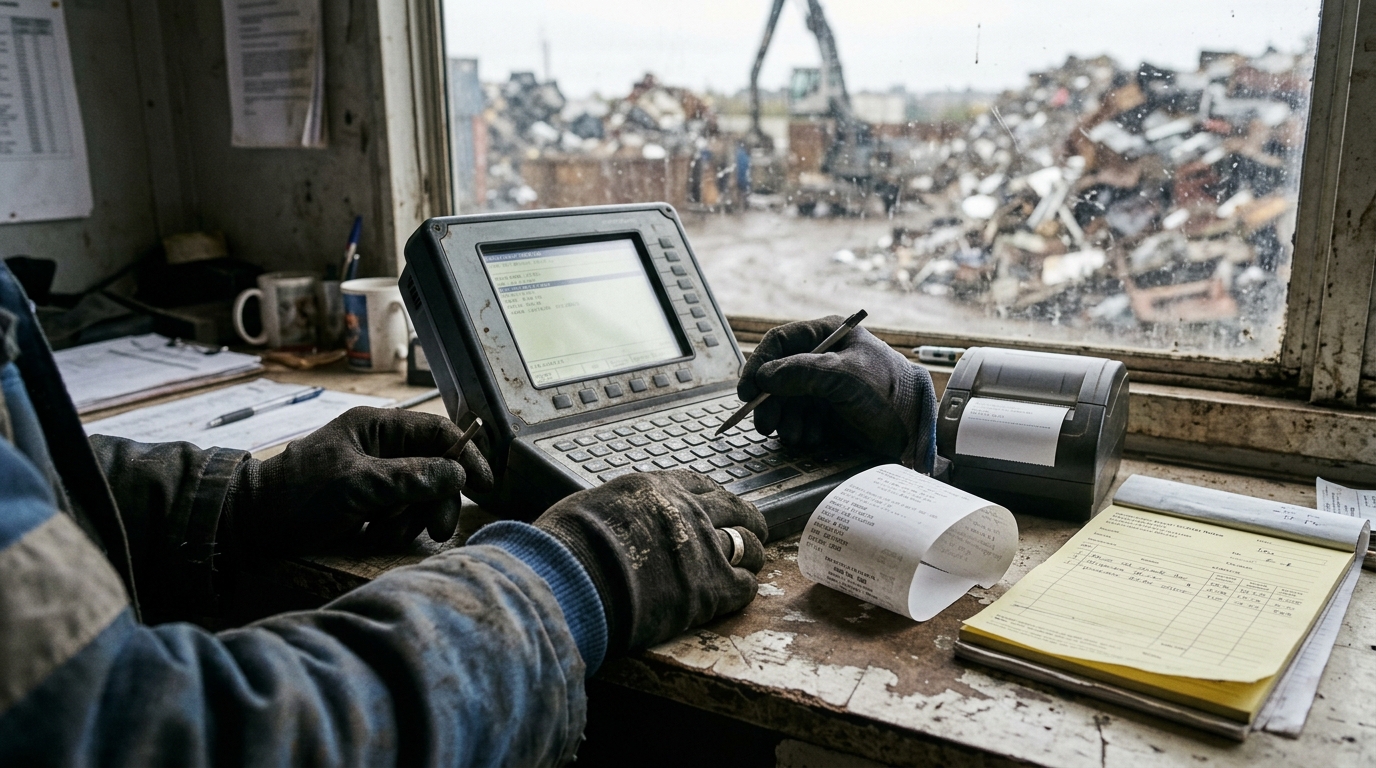
Software built for the weighbridge can capture the EWC code, the weight with its estimated-or-actual flag, and the carrier check as the load is booked in, so the receipt files itself inside the two-day window without a second round of data entry. That is one way to remove the end-of-day keying, but it is not a legal requirement; the spreadsheet route is perfectly compliant.
Frequently asked questions
Do I have to weigh every load for Digital Waste Tracking?
No. The record must state the weight, the unit and whether it is estimated or actual, so a marked estimate is acceptable where you do not weigh (legislation.gov.uk, 2026).
Does my weighbridge have to connect to the government system?
No. You can report using an API or by uploading a spreadsheet, and combine the two (gov.uk, 2026). The weighbridge itself does not connect.
When does DWTS become mandatory for my site?
For receiving site operators in England and Wales it is mandatory from 1 October 2026, and from January 2027 in Scotland and Northern Ireland (gov.uk, 2026).
How long do I have to file each receipt?
Until the end of the second working day after the day you receive the waste (legislation.gov.uk, 2026). A Monday 9am load must be filed by 11:59pm Wednesday (gov.uk, 2026).
Can I still accept waste if the cabin loses signal?
Yes. Filing is not done at the gate, so a connection drop does not stop you receiving waste. Capture the details on the ticket and submit within the two-day window.
Who has to report receipts of waste?
Anyone licensed or permitted to receive controlled waste must enter details of every load received (gov.uk, 2026).
What details must each receipt include?
The movement and carrier details, the waste classification (EWC and R/D codes, plus hazardous or POPs data), and the weight with its unit and estimated-or-actual flag (legislation.gov.uk, 2026).
Can I key the weight straight from the printed weighbridge ticket?
Yes. There is no required live link from the weighbridge, so entering the weight manually into your chosen reporting route is fine (gov.uk, 2026).
Does DWTS require a calibrated, legal-for-trade weighbridge?
No. A trade-approved weighbridge is required where the weight sets a charge, under weights and measures law (gov.uk), not because of DWTS.
If I have no software, can I still comply?
Yes. You can use the government's online service or build and upload a spreadsheet from your tickets (gov.uk, 2026).
How long must digitally-excluded operators keep the written record?
At least 3 years from the date the record is made, and any error must be corrected within 1 month of discovering it (gov.uk, 2026).