Digital Waste Tracking: How to Report Received Waste (and Fix a Bounced Submission)
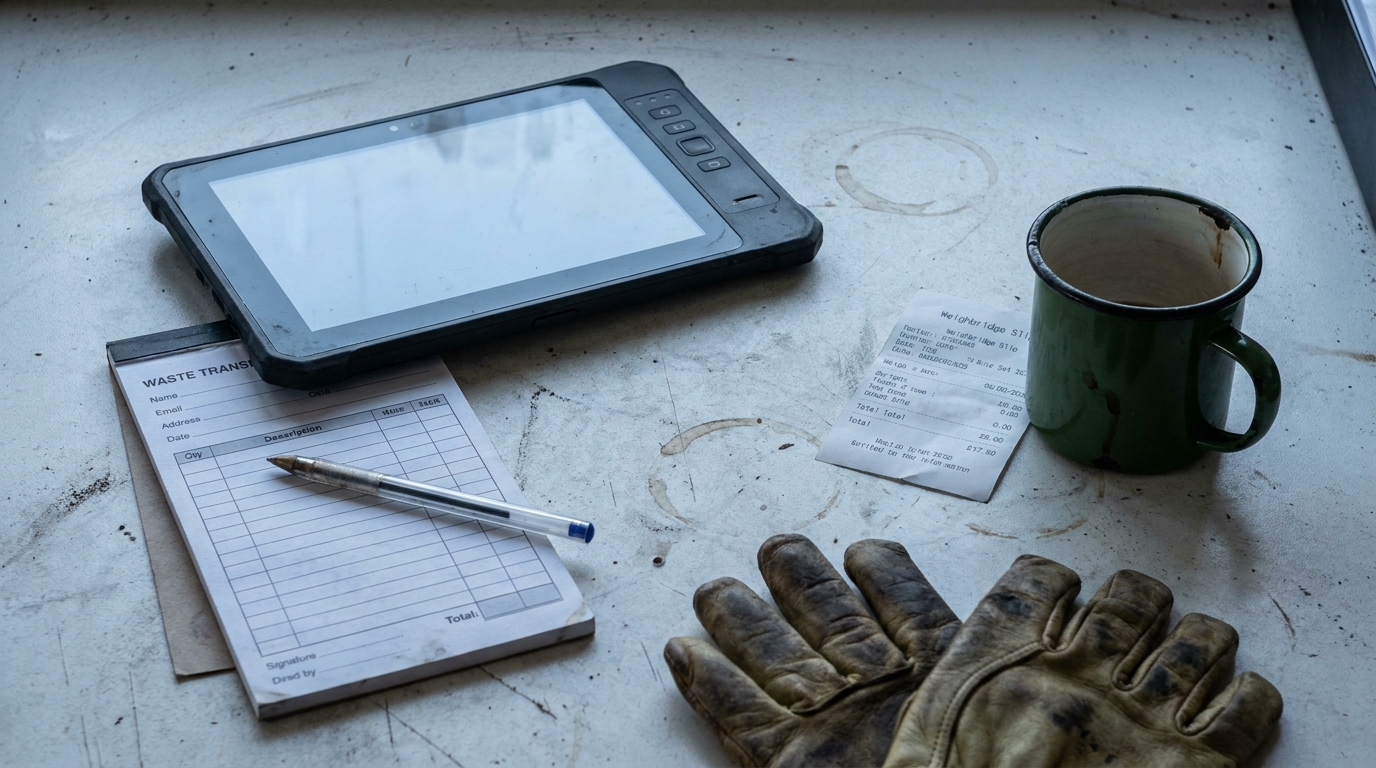
The mandate is live, and the gate has not slowed down. From 1 October 2026 every permitted waste-receiving site in England and Wales has to get each load it takes in onto the Defra system (GOV.UK, 2026). The readiness window is over. The question in the portacabin now is the day-to-day one: how do you actually report a load, and what do you do when the system throws it back?
This is the drill for a live site. How to report a receipt, how the 2-working-day clock really works, why a submission bounces, and how to clear it before the deadline. If you are still getting set up, start with digital waste tracking and the readiness checklist first, then come back here for the day-one operations.
Key takeaways
- You report each received load in one of two ways: a spreadsheet upload, or connected software through an API - and you can use both together (GOV.UK, 2026).
- You do not file at the gate. Each load must be submitted within 2 working days, starting the day after it arrives (GOV.UK, 2026).
- A submission bounces when a reference field is wrong - a bad EWC code, carrier registration number, hazardous consignment code or disposal/recovery code.
- In the first weeks, Defra's own issue tracker logged valid hazardous movements rejected because the consignment code did not match the regulator's format mask (DEFRA, 2026).
- A bounce does not block the lorry. Fix the field named in the error and re-submit inside the 2-working-day window.
- England and Wales started 1 October 2026; Scotland and Northern Ireland follow in January 2027 (NetRegs, 2026).
How do you report a load you have received?
You report a received load by submitting its details to the Defra "Report receipt of waste" service, either as a spreadsheet upload or through connected software that uses the service's API. You do not have to choose one method - you can submit using a combination of the API and spreadsheet (GOV.UK, 2026). There is no paper route to Defra. Paper tickets at the gate are fine, but someone still has to get the details onto the system.
The first time you use the service, you are asked to create a Defra account. Log in with your organisation's Government Gateway or GOV.UK One Login - never a personal Government Gateway account (GOV.UK, 2026). Get that sorted before go-live day, not on it, because a queue of tippers is the wrong moment to be setting up a login.
What you enter per load is the shape of the waste movement: who brought it, what it is, the EWC code, the quantity, and what you are doing with it. If you are licensed or permitted to receive controlled waste, you need to enter details of every load you receive (GOV.UK, 2026). "Every load" is the part that catches sites out - it includes the awkward ones, which we come to below.
Do you have to file the record at the weighbridge?
No. You do not file at the gate, and this is the single biggest relief for a site worried about flaky portacabin wifi. Each load has to be submitted within 2 working days, excluding weekends and bank holidays, and the count starts the day after you receive the waste (GOV.UK, 2026). So the lorry does not wait on the Defra system. Steve weighs it in, it tips, it leaves, and the digital record follows inside the window.
That window is tighter than it sounds once a bank holiday lands in it. A load received at 9am on a Monday has to be submitted, with its unique reference number back, by the end of the Wednesday. A load received the Friday before a bank holiday weekend has until the Wednesday after. The clock does not care that the tickets are sitting in a tray.
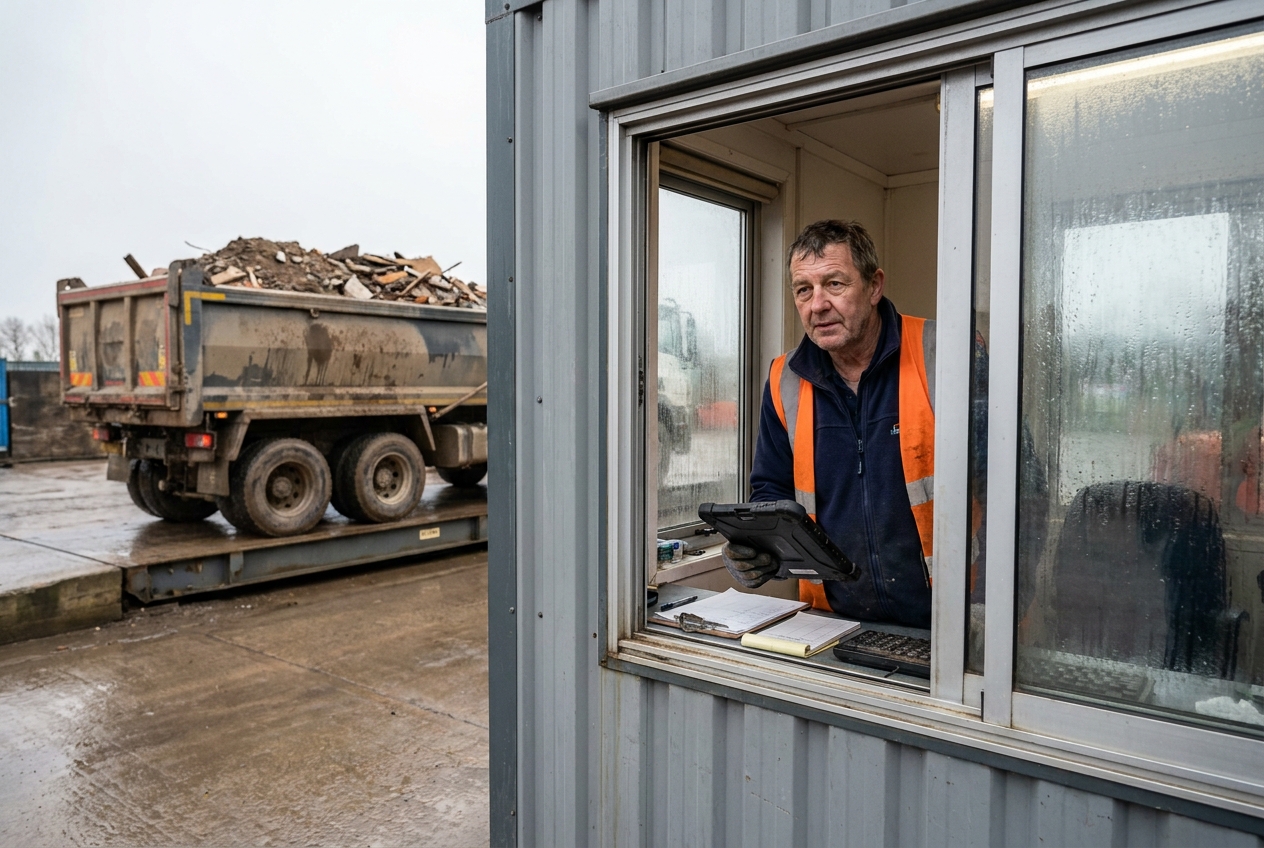
This is why getting your weighbridge workflow ready matters more than the recording route you pick. If the load details are captured cleanly as the lorry is weighed, the record almost writes itself. If they are scribbled and re-keyed later, that is where the deadline slips and the errors creep in.
Why did your submission bounce?
A submission bounces because the service validates your reference fields before it accepts the receipt. Get a reference field wrong - a dirty EWC code, a carrier registration number that does not match, a hazardous consignment code in the wrong format, or a missing disposal or recovery code - and the receipt is rejected rather than saved. Clean reference data is what keeps submissions flowing.
The clearest proof of how strict this is sits in Defra's own public issue tracker from the first weeks of go-live. One site sent a perfectly valid hazardous movement and production threw it back with an InvalidFormat error, because the hazardousWasteConsignmentCode has to match a per-regulator format mask (DEFRA, 2026). Defra fixed that particular case, but the lesson stands: the format of your codes is checked, character by character.
| Regulator | Hazardous consignment code format |
|---|---|
| EA (England) / NRW (Wales) | Letters, then /, then 5-6 characters - e.g. CJTILE/A0001 |
| SEPA (Scotland) | SA, SB or SC followed by 7 digits |
| NIEA (Northern Ireland) | DA, DB or DC followed by 7 digits |
The service checks each code against these per-regulator formats, as its own production error messages set out (DEFRA, 2026).
The carrier field is just as fussy. When the newer SEPA carrier authorisation format (EAS/R/ followed by digits) first appeared, the service did not recognise it and bounced the receipt (DEFRA, 2026). So a carrier registration or authorisation number that is a digit out, or in a format the system has not caught up with, stops the record dead. The practical defence is to clean your reference data - your regular carriers' registration numbers, your common EWC codes - before you rely on them at the gate. Picking the right EWC code at the weighbridge is now a validated step, not a box-ticking one: one wrong code rejects the whole receipt.
How do you fix a bounced submission inside the window?
You fix a bounce by reading the validation error, correcting the field it names, and re-submitting before the 2-working-day deadline runs out. The error is not a dead end - it tells you which reference field failed. Correct that field on the record and send it again. Keep the gate ticket until the corrected record is accepted, so you can match the Defra reference back to the physical load.
One quiet trap is worth knowing. In the early weeks, a correction (a PUT to an existing record) was rejected unless the organisation submitting the fix matched the organisation that created the original record (DEFRA, 2026). In plain terms: the site that files the receipt is the site that corrects it. Do not assume a carrier, a broker or a head-office account can reach in and fix a record your gate created. If you run more than one entity, be clear about which one owns each receipt.
If you are on the spreadsheet route, there is one more thing to watch: after you submit a spreadsheet, you need a fresh one for your next submission (GOV.UK, 2026). You cannot keep bolting rows onto the same file. This is where a manual submitter feels the strain - a single bounced load means re-working the sheet and re-uploading, while connected software built for the weighbridge can flag a bad code before it ever reaches Defra and re-send the one corrected record on its own.
Does a bounce block the load at the gate?
No. A rejected submission does not block the load at the gate. The load is already weighed, tipped and gone - the receipt is a record you have 2 working days to get right, not a barrier the lorry has to clear first. So a bounce is an admin job for later that day or the next, not a reason to turn a driver away. Panic at the gate is the real risk here, not the validation error itself.
That said, do not sit on it. The window is short, and a bounce you leave until the deadline is a bounce you might not clear in time if the fix turns out to need a call to the carrier. Clear rejections the same day where you can.
What do you enter when there is no registered carrier?
You still record the receipt. The duty is to enter details of every load you receive, full stop (GOV.UK, 2026). A direct drop-off, a one-off delivery, a load from someone without a registered carrier number - all of it still has to go onto the system. The mistake is to leave the awkward loads off because the paperwork was thin.
Enter the carrier details you do have, and keep your own note of why the carrier field is sparse. Thin paperwork on the way in does not get thinner by ignoring it - it is exactly the sort of load the record is there to capture. The same applies to the tickets you will still keep on paper: see what records you still need alongside the digital receipt.
How do you log a load you refused?
Log a refused load as a rejected movement, with the reason you turned it away - contamination, wrong waste type, or missing documents. You weighed it, you looked at it, you sent it back, and that decision is worth a clean record. If a carrier later claims you accepted something you did not, your own log of the rejection is the answer.
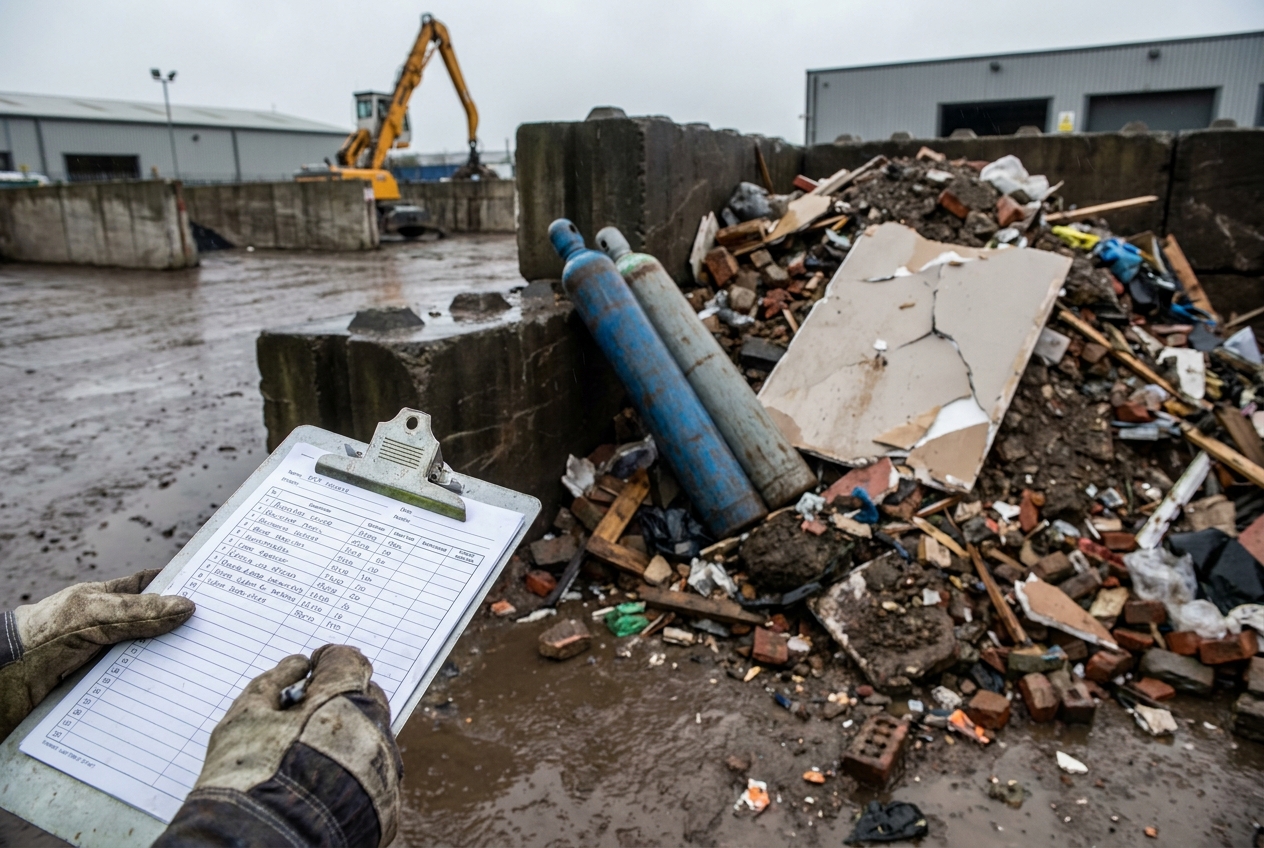
It also keeps your duty-of-care trail honest. A site that quietly waves through contaminated loads and never records a refusal looks, on paper, like a site that never checks. A clear record of what you turned away shows the opposite - that you inspect loads and act on what you find.
What if you have left registering late?
Start today, not on the next quiet afternoon. Setting up a Defra account, getting your software connected or your spreadsheet working, and testing a first submission all take a little time, so a site only registering now will be recording its first loads later than the rules expect. That does not fix itself by waiting.
Get the organisation account created, start capturing loads cleanly at the gate so you have the data to enter, and submit manually if you must while the smoother route catches up. Being a little late and visibly sorting it out is a far better position than not being on the system at all.
When does it apply beyond England and Wales?
England and Wales have been mandatory since 1 October 2026. Scotland (SEPA) and Northern Ireland (DAERA) follow in January 2027 (NetRegs, 2026). Northern Ireland was moved to align with Scotland, so do not trust the older notices that still group it with the October date.
Phase 1 is permitted and licensed waste-receiving sites. Waste carriers, brokers and dealers, along with registered exemption holders, come in a later phase expected to be mandatory from October 2027 (NetRegs, 2026). Producers are not in Phase 1 at all. If you hold a permit to take waste in, you are in now; if you hold an exemption, your date is later.
Frequently asked questions
How do I report waste I receive under digital waste tracking? Create a Defra account with your organisation's Government Gateway or GOV.UK One Login, then submit each received load by uploading a spreadsheet or through connected software that uses the API - you can use both together. Every load must be submitted within 2 working days, starting the day after it arrives, and you get a unique reference number back (GOV.UK, 2026).
Do I have to file the record at the gate? No. You have 2 working days from the day after the waste arrives, so portacabin wifi does not hold up the lorry. Weigh it, let it move on, and submit the record before the deadline (GOV.UK, 2026).
Why was my digital waste tracking submission rejected? The service validates your reference fields. A dirty or wrongly formatted EWC code, carrier registration number, hazardous consignment code or disposal/recovery code bounces the receipt (DEFRA, 2026).
What do I do when a submission bounces? Read the validation error to see which field it names, correct that field, and re-submit inside the 2-working-day window. Keep the gate ticket so you can match the corrected record to the physical load.
Does a rejected submission mean I have to turn the lorry away? No. A bounce does not block the load at the gate. You still have the rest of the 2-working-day window to fix the record and re-submit.
What do I enter when a load arrives without a registered carrier? You still record the receipt. The duty is to enter details of every load you receive, so a direct drop-off with no registered carrier is recorded like any other load, using the carrier details you do have (GOV.UK, 2026).
How do I record a load I refused? Record it as a rejected movement with the reason - contamination, wrong waste type, or missing documents. A clear record of what you turned away protects you and keeps your duty-of-care trail clean.
Can I use the free Defra spreadsheet instead of software? Yes. The spreadsheet upload is valid and free. You need a fresh spreadsheet for each submission, and at volume it is harder to manage than connected software (GOV.UK, 2026).
When does digital waste tracking start in Scotland and Northern Ireland? England and Wales started 1 October 2026. Scotland (SEPA) and Northern Ireland (DAERA) follow in January 2027 (NetRegs, 2026).
What if I have left registering with Defra late? Start now. Create the organisation account, capture loads cleanly at the gate, and submit manually if you must while you get set up properly. Being a little late and sorting it out beats not being on the system.